Small but mighty: which Shelly Mini fits into your smart home?
The ultimate comparison: Proven performance (Gen 3) meets unlimited multi-protocol freedom (Gen 4).
The Shelly 1 Mini Gen 4:
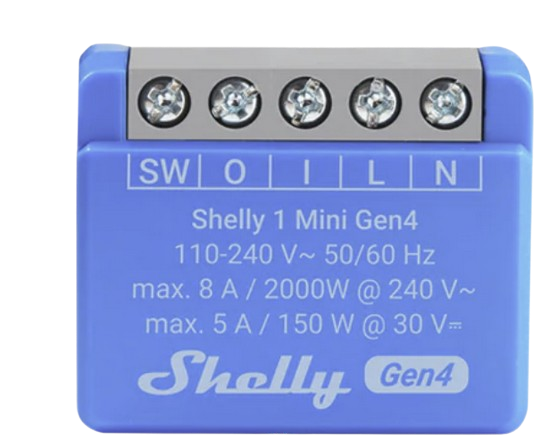
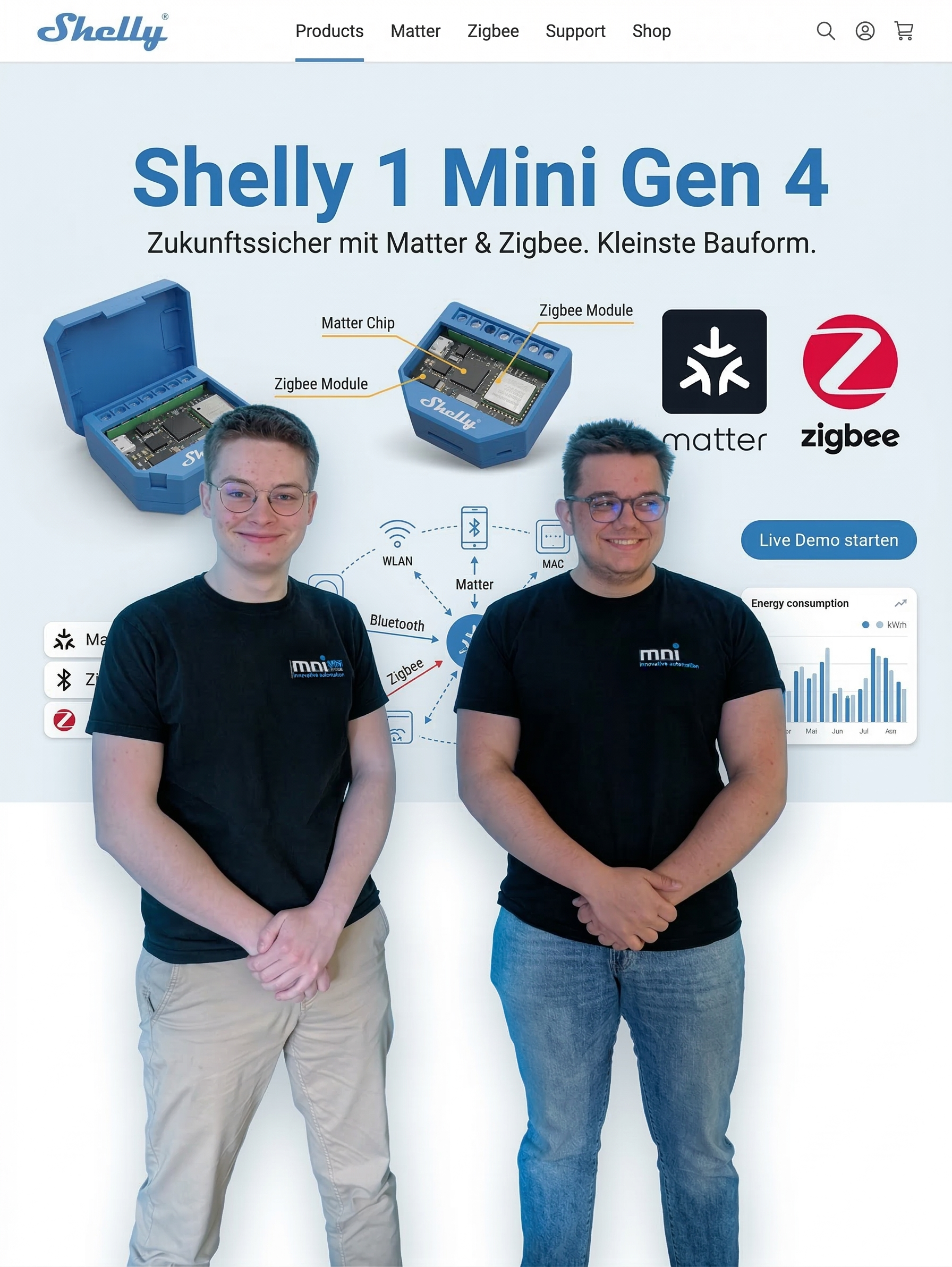
The Shelly 1 Mini Gen 4 retains the tiny form factor of its predecessor, but tears down the walls between the various smart home ecosystems. It is the absolute pioneer in terms of future-proofing and finally makes the smart home accessible to everyone.
- The game changer for non-tinkerers: Until now, flush-mounted relays were often seen as a playground for DIY enthusiasts and programmers. Gen 4 changes that completely! Thanks to standardised protocols such as Matter and Zigbee the relay can be easily integrated into systems such as Apple Home, Google Home, Amazon Alexa or SmartThings by scanning a barcode, without the need for in-depth technical knowledge. Real plug & play!
- New processor architecture: A brand new, extremely fast multi-protocol chip ensures minimum response times.
- Maximum connectivity: In addition to WLAN and Bluetooth, the Gen 4 now also has Matter and Zigbee 3.0 directly on board.
- Ideal area of application: If you want to integrate your system natively into Apple Home, reduce the load on your WLAN (by using the relay as a Zigbee actuator) or simply want to remain completely manufacturer-independent for the next few years.
- Your advantage: You no longer have to commit to a single technology during installation. The Shelly Gen 4 adapts to your system - not the other way round.
The Shelly 1 Mini Gen 3:
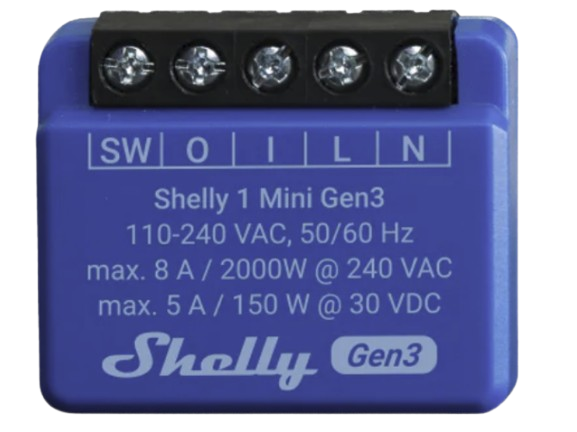
The Shelly 1 Mini Gen 3 is the current standard for anyone setting up a purely WLAN-based smart home. It is an extremely reliable workhorse with a fantastic price-performance ratio.
- Powerful chip: Equipped with the specially customised Shelly chip and a whopping 8 MB of memory, it offers sufficient space for your own scripts and complex local automation.
- Proven wireless standards: It works classically via your 2.4 GHz WLAN. It also uses Bluetooth (BLE) for easy integration via smartphone app and can serve as a gateway for other Bluetooth sensors (such as the Shelly BLU).
- Ideal area of application: Perfect for anyone who uses systems such as Home Assistant, ioBroker or simply the Shelly Cloud and does not require additional wireless standards such as Zigbee.
- Your advantage: Extremely sophisticated software, high stability in the WLAN and usually a slightly more favourable purchase price.
The ultimate comparison
The decision depends heavily on your existing system and your prior technical knowledge. None of the relays is perfect - both have their specific advantages and disadvantages.
Go for the Shelly 1 Mini Gen 3 if you... ...you have an existing, purely WLAN-based system (e.g. via MQTT to Home Assistant), know your way around technically and are simply looking for reliable, small relays.
- ❌ The catch (disadvantages): It does not offer native support for Apple Home or Matter. To integrate it into such systems, you need DIY solutions such as Homebridge. In addition, a pure Wi-Fi setup with dozens of smart home devices can eventually put a strain on the home router.
Go for the Shelly 1 Mini Gen 4 if you... ...you want an uncomplicated system that „just works“. If you use Apple Home, a Philips Hue Hub, are planning a manufacturer-independent system or don't consider yourself a „technology hobbyist“, the 4th generation is worth every cent of the extra cost.
- ❌ The catch (disadvantages): It is somewhat more expensive to purchase. Important for Zigbee users: If you integrate the Shelly Gen 4 into third-party hubs as a standardised Zigbee-only device, you may lose in-depth, Shelly-specific functions. These include, for example, detailed device-internal protection mechanisms or complex script functions that can often only be fully utilised via the Wi-Fi connection and the official Shelly app.
The direct technical comparison
| Property / Feature | Shelly 1 Mini Gen 3 | Shelly 1 Mini Gen 4 |
|---|---|---|
| Design / Size | Mini form factor (very compact) | Mini form factor (very compact) |
| Maximum switching current | 8A | 8A (status typical mini specification) |
| WLAN (2.4 GHz) | Yes | Yes |
| Bluetooth (BLE) | Yes (pairing & gateway) | Yes (pairing & gateway) |
| Zigbee 3.0 support | No | Yes |
| Matter support | No | Yes (Native) |
| Target group | Hobbyists & pure WLAN users | Also for non-tinkerers (plug & play) |
| Processor / Memory | Shelly chip (ESP-based) / 8 MB | New multi-protocol chip |
| Local scripting (mJS) | Yes | Yes (partially limited for pure Zigbee operation) |
| KNXnet/IP support | Yes | Yes |
FAQ
Where can I find the Matter code for the new 4th generation devices?
You will find the Matter code directly on the packaging and also on a practical sticker supplied. So you can stick it in your fuse box for later, for example. If you lose both, it's no problem: you can view the code digitally in the official Shelly app at any time.
How do I switch the Shelly Gen 4 from Matter to Zigbee?
Switching is done directly on the hardware and does not require an app: Simply press five times in a row the reset button on the Shelly. This automatically switches the relay to Zigbee mode and can be found by your Zigbee coordinator (e.g. Home Assistant or Philips Hue).
Do I necessarily need a smart home hub for the Shelly 1 Mini Gen 4?
That depends on how you use it: If you use it in the classic way via Wi-Fi in the Shelly app, you don't need a hub - your Wi-Fi router will do. However, if you want to use the new functions and integrate it via Matter (e.g. in Apple Home) or Zigbee, you will need a corresponding Matter controller (such as a HomePod, Apple TV or Google Nest Hub) or a Zigbee hub.
Can I mix Shelly Gen 3 and Gen 4 devices in one house?
Yes, absolutely! You don't have to completely replace your existing system. Both generations can easily be operated in parallel and controlled together via the official Shelly app. A clever approach is to use the cheaper Gen 3 for simple standard circuits and install the Gen 4 where you need Matter or Zigbee.
Can I use all the functions of the Shelly via Matter or Zigbee?
No, unfortunately not to the full extent. Matter and Zigbee are universal, standardised protocols. They ensure that devices communicate smoothly across manufacturers (e.g. with Apple Home or Philips Hue). However, this usually means that only the „standard commands“ such as on/off or status feedback are transmitted. Specific „Shelly special functions“ - such as complex local mJS scripts, deep expert settings or finely adjustable internal protection mechanisms - often cannot be mapped using these universal standards. To configure the Shelly, perform firmware updates or use all special functions, you still need the official Shelly app via Wi-Fi or Bluetooth (at least in parallel).
Do you have any further questions?
Adrian Fischer / Paul Partenfelder -2026